Loading…
← Back to Thinking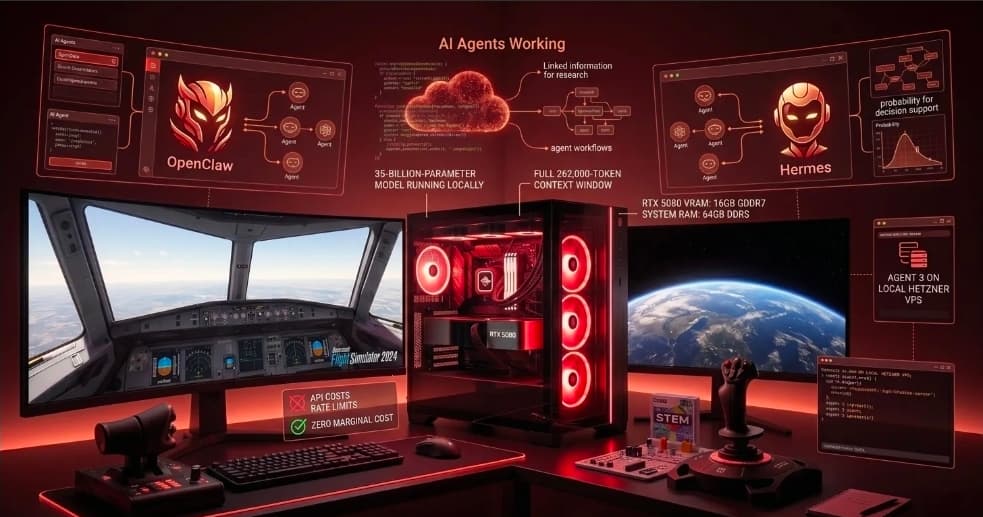
The Morning I Stopped Paying for AI
The Morning I Stopped Paying for AI
I run three products. Fluent, Dofek, and Lodestar PM. Every day, my teams and I use AI for lead research, code generation, agent workflows, and decision support. Until this morning, that meant API costs, rate limits, and a dependency on someone else's infrastructure.
This morning I ran a 35-billion-parameter AI model locally, at its full 262,000-token context window, on a machine I already owned. It cost me nothing. It will continue to cost me nothing tomorrow.
Here's exactly what I did, what I found, and what it means for every product leader building on AI right now.
The Hardware
No exotic setup. A workstation I built for general development work:
- CPU: AMD Ryzen 7 7800X3D (8 cores, 3D V-Cache)
- GPU: NVIDIA RTX 5080 (16GB GDDR7 VRAM)
- RAM: 64GB DDR5
- OS: Ubuntu 24.04 (dual-booting with Windows 11 on the same machine)
The total cost of this machine was already sunk. The marginal cost of running local AI on it: zero.
Step One: Getting the GPU Baseline Right
Before running a single model, I checked something most people skip. When I ran nvidia-smi on Ubuntu, the RTX 5080 showed 15MiB used out of 16,303MiB. The only process on the GPU was gnome-shell at 4MiB.
That number matters. The Ryzen 7800X3D has integrated Radeon graphics (the "Raphael" iGPU) built into the CPU. Ubuntu automatically routed the display output through that iGPU, leaving the RTX 5080's full 16GB dedicated entirely to inference. No framebuffer allocation. No display overhead. The entire GPU free before the first model loads.
On Windows 11, the same machine would have consumed 500MB to 1GB of VRAM before inference even started, just from system overhead and display management. That difference doesn't sound large until you're trying to fit a 15GB model into 16GB of VRAM.
The first lesson: the operating system is part of your AI infrastructure. Linux gave me roughly 1GB of effective VRAM back for free.
Step Two: The First Model -- Qwen 2.5 14B at Q8
I started with Qwen 2.5 14B at Q8 quantization -- the highest quality 8-bit representation of a 14-billion-parameter model. This is the model I use as my primary interactive agent.
nvidia-smi output:
15,322MiB / 16,303MiB used
Process: /usr/local/bin/ollama -- 15,322MiB
The entire model loaded into VRAM with 981MiB to spare. Zero offloading to RAM. Every token generated at full GDDR7 memory bandwidth. At Q8 quantization, the quality difference versus full precision is negligible. This is as good as a 14B model gets, running locally, for free.
Speed: approximately 60+ tokens per second on interactive prompts.
Step Three: Gemma 4 E4B -- Multimodal on 9.6GB
Google's Gemma 4 E4B is an "effective 4B" model -- architecturally optimized for edge deployment with a 128K context window, vision capabilities, thinking mode, and native tool calling.
ollama ps output:
gemma4:e4b   10 GB   100% GPU   4096 context
nvidia-smi: 9,840MiB used, 6,440MiB free
With 6GB of VRAM headroom, this model runs with room to breathe. The multimodal capability means I can feed it screenshots, documents, and images as part of research workflows -- something the Qwen 2.5 14B Q8 cannot do. For lead generation tasks involving visual content, this changes what's possible locally.
Step Four: Qwen3.6 -- A 35B Model on 16GB of VRAM
This is where things got interesting.
Qwen3.6 is a 35-billion-parameter Mixture-of-Experts model. The full model weighs 26GB -- well beyond my 16GB VRAM. Conventional wisdom would say it won't run meaningfully on this hardware.
Conventional wisdom was wrong.
Mixture-of-Experts architecture means only a fraction of the model's parameters are active at any given inference step -- approximately 3 billion in Qwen3.6's case. The rest of the parameters sit dormant. This changes how offloading behaves: when layers spill from VRAM to RAM, the active compute remains concentrated on the GPU, while the dormant expert layers sit cheaply in system memory.
The result:
ollama ps output:
qwen3.6   26 GB   41% CPU / 59% GPU   4096 context
nvidia-smi: 15,462MiB VRAM used
free -h: 19Gi RAM used
A 35B model, running. Vision, tools, thinking mode, all active. GPU at 59%, CPU handling the rest via the Ryzen 7800X3D's 3D V-Cache -- which is purpose-built for cache-heavy workloads exactly like this.
To validate the reasoning quality, I gave it an image of a vintage computer and asked what it saw. It identified not just the Commodore 64, but specifically the C64c variant -- distinguishing it from the original 1982 model based on the taller key profile and white plastic casing. It caught its own uncertainty mid-reasoning, re-evaluated, and self-corrected. The thinking chain was coherent, detailed, and accurate.
Locally. For free.
Step Five: The Context Window Experiment
Qwen3.6 supports a maximum context window of 262,144 tokens. I ran it at four context sizes and measured the impact:
| Context Size | VRAM Used | CPU/GPU Split | RAM Used | |---|---|---|---| | 16,384 tokens | 15,462 MiB | 41% / 59% | 19 GB | | 32,768 tokens | 15,418 MiB | 43% / 57% | 20 GB | | 65,536 tokens | 15,666 MiB | 44% / 56% | 21 GB | | 131,072 tokens | 15,602 MiB | 48% / 52% | 23 GB | | 262,144 tokens | 15,140 MiB | 56% / 44% | 30 GB |
The VRAM usage stayed essentially flat across the entire range -- 15.1 to 15.7GB regardless of context size. The KV cache for larger context windows scaled cleanly into system RAM. Going from 16K to the full 262K context cost 11GB of RAM and nothing meaningful in VRAM.
At 262K context, the CPU/GPU split inverted -- 56% CPU, 44% GPU. For interactive chat, 65K is the practical sweet spot. For overnight batch research, document analysis, or codebase-level reasoning, the full 262K is available and costs nothing per query.
What's Actually Running Now
My local AI stack today:
| Model | Size | Context | Role | |---|---|---|---| | Qwen 2.5 14B Q8 | 15 GB | 8K | Fast interactive agent, fully in VRAM | | Gemma 4 E4B | 9.6 GB | 128K | Multimodal research, image analysis | | Qwen3.6 65K | 23 GB | 65K | Daily coding and agent workflows | | Qwen3.6 Max | 23 GB | 262K | Overnight batch research, long documents |
These models power Hermes, my local AI agent that handles lead generation, research, cron jobs, and coding assistance for Fluent, Dofek, and Lodestar PM. The routing logic is simple: fast interactive tasks go to Qwen 2.5 14B Q8, multimodal tasks go to Gemma 4, complex reasoning and coding go to Qwen3.6-65K, and long-context batch work runs overnight on Qwen3.6-Max.
Cloud API calls are reserved for genuinely hard problems -- complex architectural decisions, multi-file refactors over thousands of lines. Everything else stays local.
What This Means for Product Leaders
The standard assumption in most product organizations is that AI capability scales with cloud spend. More intelligence means more API cost. That assumption is breaking down faster than most strategies account for.
A well-configured local workstation running open-weight models now covers the vast majority of daily AI workloads -- research, summarization, code generation, agent loops, multimodal analysis -- at zero marginal cost. The quality gap between local frontier models and cloud APIs, for these everyday tasks, has closed to the point where it rarely matters in practice.
The implications for teams building AI-native products are significant. Every task that stays local is permanently free. The economics compound over time in ways that per-token pricing never can. And the latency of a local inference call -- no network round trip, no rate limit queue -- often makes agentic loops noticeably faster in practice.
This doesn't mean abandon cloud AI. It means stop defaulting to cloud AI for tasks that don't require it.
The Question Worth Asking
Most product organizations haven't done this calculation. They know their monthly OpenAI bill. They don't know what percentage of those calls could run locally, free, at comparable quality.
If you're building AI into your product or your team's workflow, that calculation is worth doing. The answer might surprise you.
What percentage of your team's daily AI usage genuinely requires cloud-tier intelligence? I'd be curious where that number lands for others.
This article is part of my ongoing series on Product Management in the Agentic Era -- exploring how AI is reshaping the PM role, product development, and team structure in ways most organizations are only beginning to reckon with.
Related Articles
AI · SEP 2026
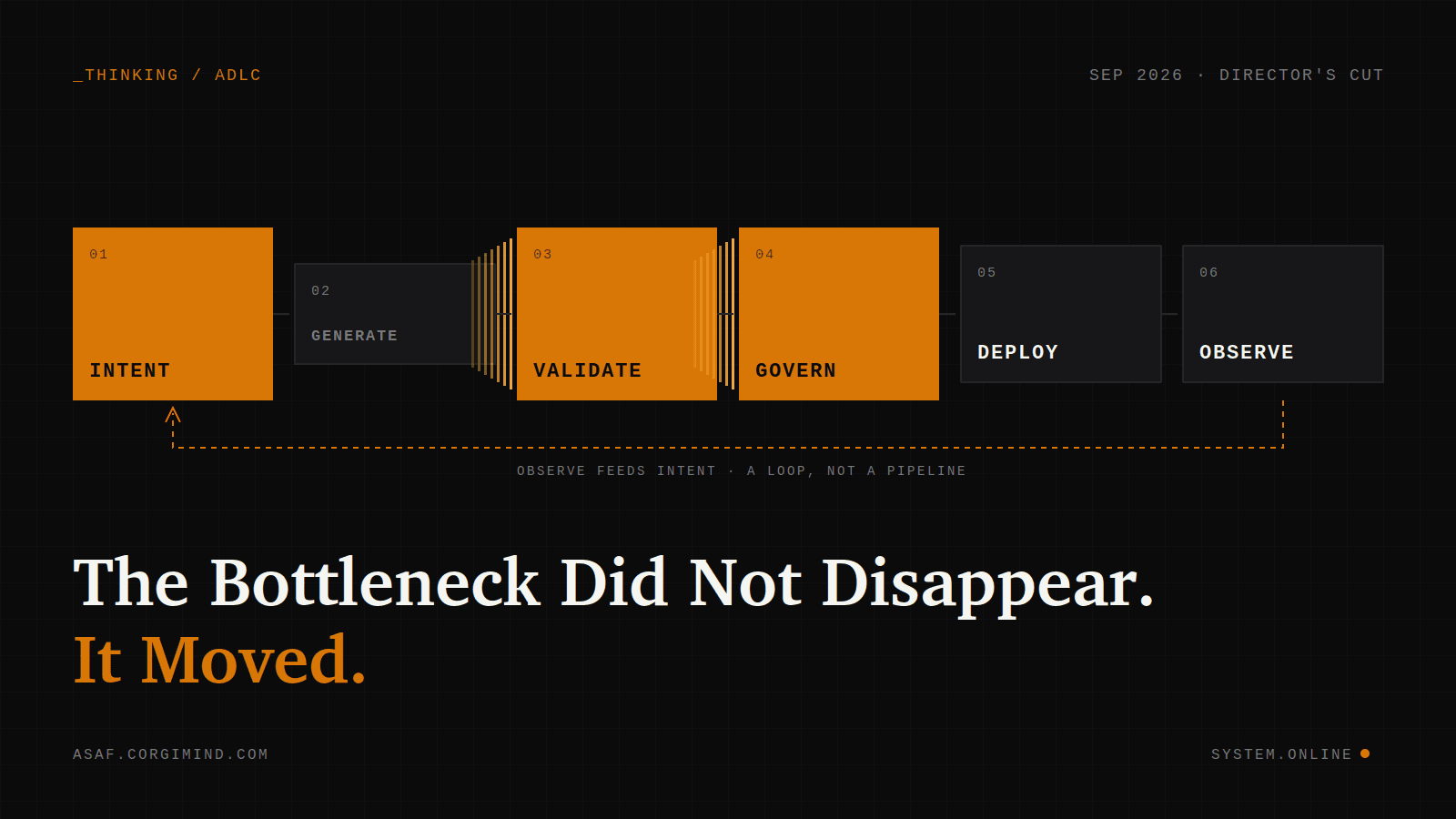
The Bottleneck Did Not Disappear. It Moved.
The SDLC had one assumption nobody wrote down: a human typed the code. When agents generate it, the bottleneck moves to Intent, Validate, and Govern. The longer version of the argument, with the objections and what it changed in how I build. LinkedIn URL: leave empty until Edition 9 ships, then add it.
Read article →
AI · JUL 2026
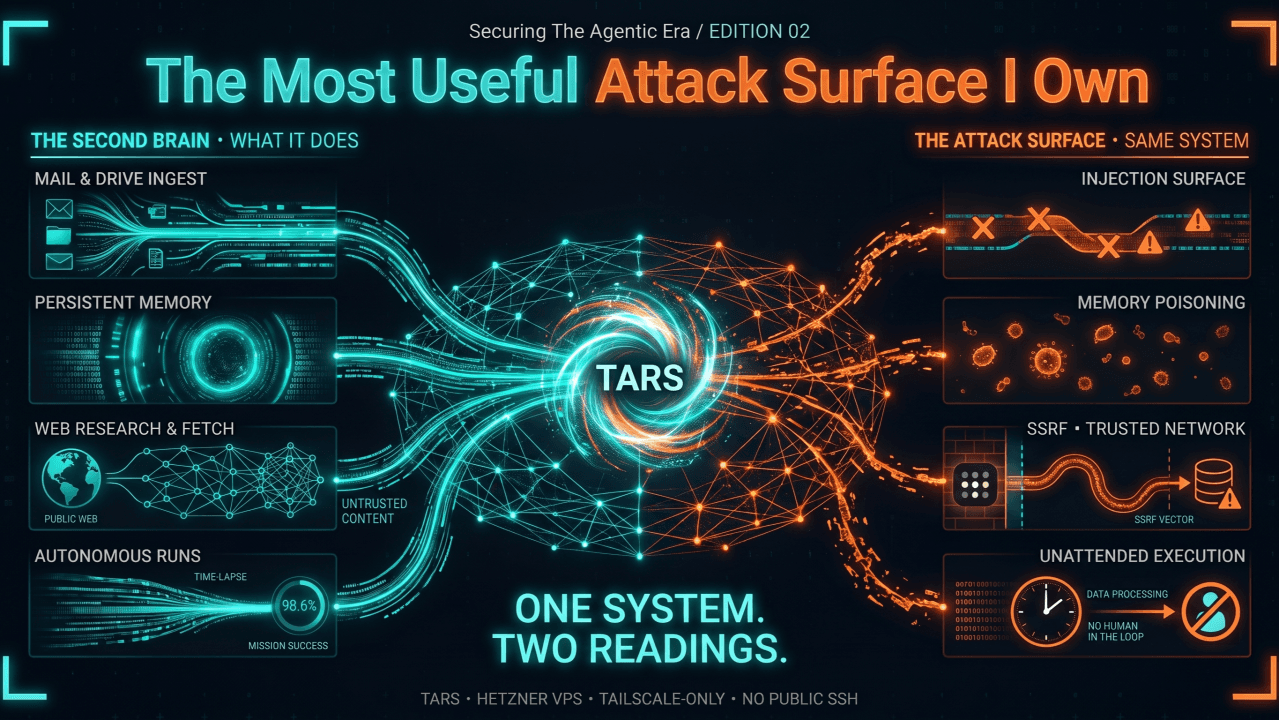
The Most Useful Attack Surface I Own
A few weeks ago I introduced you to TARS, my personal agent. He runs on a small Hetzner VPS, reachable only over Tailscale, and over the last two months he has quietly become my second brain. This edition goes deeper, into the security, privacy, and trust questions that TARS forces on me and that every agent now working its way into our lives will force on everyone.
Read article →